Issue description: When the user is trying to connect Logi Tune with their calendar account.
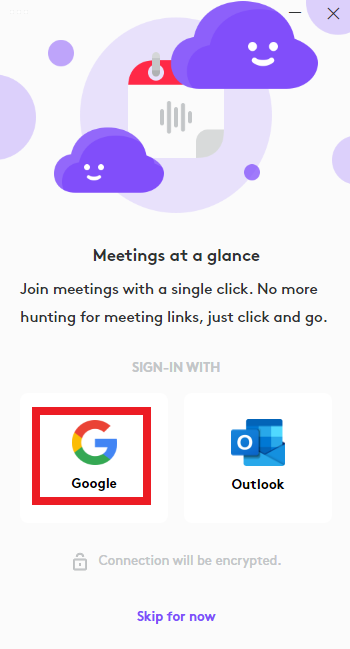
Then during the authentication process Gsuite denies access to the calendar:

The Gsuite Administrator needs to approve the application from the admin console.
Here is how:
- Open the following link with your admin credentials.
- Go to Security -> Access and data control -> API controls -> “Manage Third-Party App Access”

- You need to add Logi Tune on the web app list. Click on “Add app”

- Select “OAuth App Name Or Client ID”:
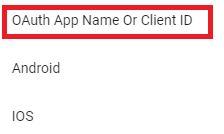
- On the search app field enter “Logi Tune” and then click on Search -> Select Logi Tune:

- Select the Client ID and click on the “Select” button.
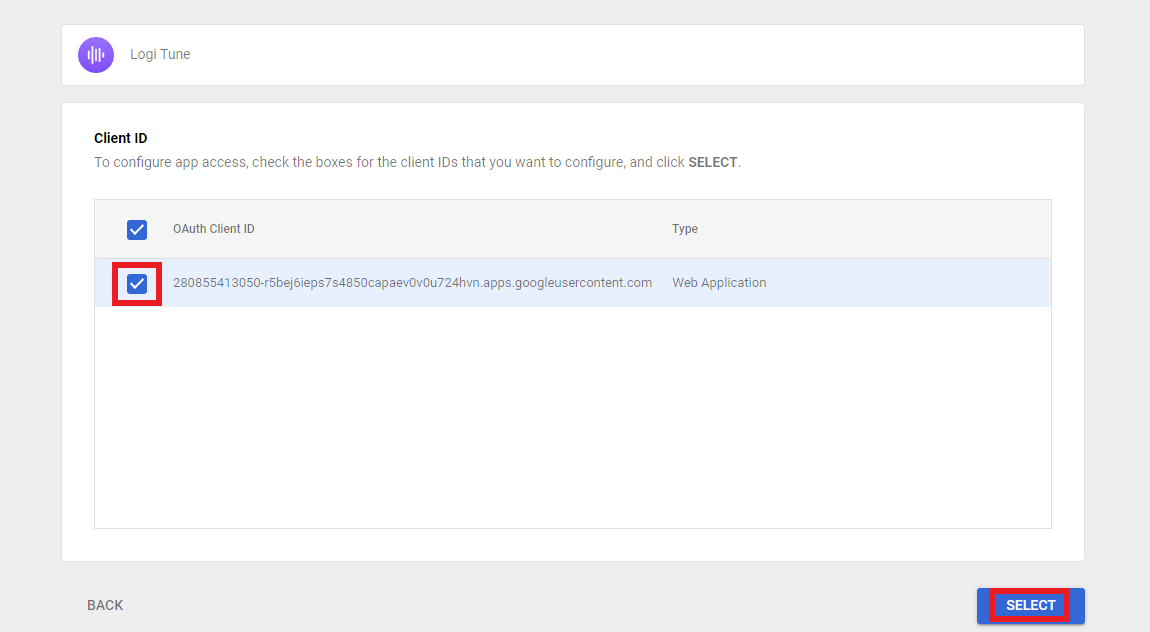
- Select the app access: “Trust: Can access all Google Services” and then click on “configure”

- After completing the setup you will see Logi Tune listed on the 3rd app list:

Now the users are able to connect Logitune with the Google calendar.

Frequently Asked Questions
There are no Downloads for this Product
There are no Downloads for this Version.
Compatible Product
